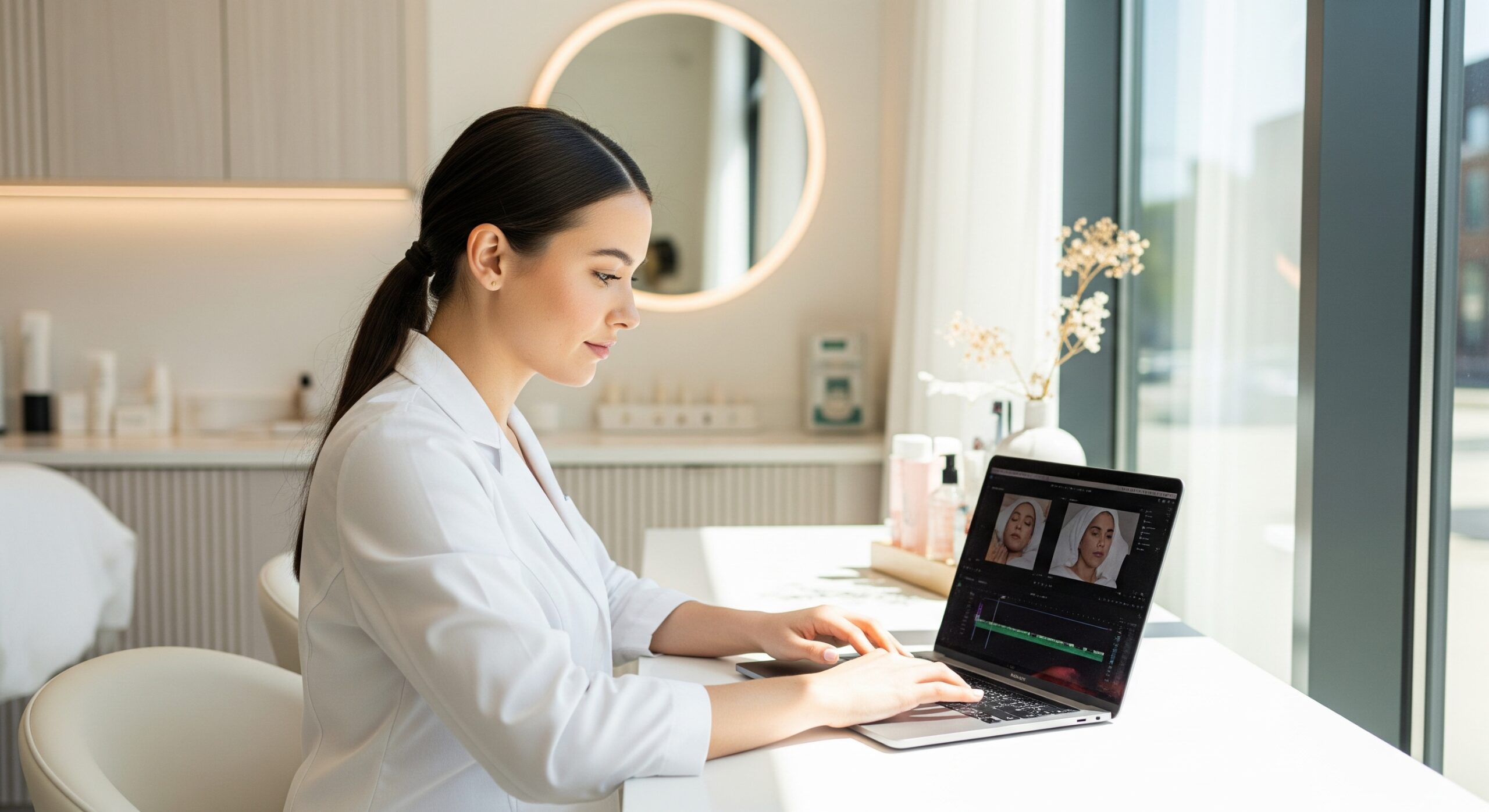
Once you’ve filmed all your amazing footage, the next crucial step is bringing it all together in the editing room. Video editing allows you to refine your message, add polish, and ensure your videos are captivating and easy for the judges to follow. Don’t worry if you’re new to this; there are user-friendly tools available to help you create professional-looking content.
1. Basic Video Editing Software
You don’t need a fancy, expensive studio to edit your TSG videos. Several accessible and powerful options are perfect for beginners:
-
For Mobile (iOS & Android):
- CapCut: This app is incredibly popular and user-friendly, offering a wide range of features from basic trimming to adding effects and music.
- InShot: Another excellent mobile editor that’s intuitive and great for quick edits, adding text, and adjusting video speed.
- iMovie (iOS only): If you have an iPhone or iPad, iMovie is built-in and provides a straightforward interface for editing, adding titles, and transitions.
-
For Desktop (Windows & Mac):
- DaVinci Resolve (Free Version): This is a professional-grade software that offers an incredible amount of power for free. While it has a steeper learning curve than mobile apps, it’s worth exploring if you want advanced control.
- Adobe Premiere Rush: A simpler version of Adobe Premiere Pro, ideal for quick, high-quality edits across desktop and mobile. (Requires an Adobe subscription).
- iMovie (Mac only): As mentioned, it’s a great option for Mac users, easy to learn and effective for basic editing tasks.
Choose a software that you find comfortable to navigate and start experimenting!
2. Adding Text, Music, and Transitions
These elements help tell your story and make your videos more engaging:
-
Text Overlays:
-
Use text to introduce your model, highlight key ingredients, explain a modality, or clarify important points.
-
Keep text concise and readable. Choose clear fonts and colors that stand out against your video background.
-
Consider adding titles for each segment of your video (e.g., “Week 3 Treatment,” “Ingredient Spotlight: Hyaluronic Acid”).
-
-
Background Music:
-
Music can set the tone and maintain viewer engagement.
-
Choose royalty-free music to avoid copyright issues. Many editing apps have built-in music libraries, or you can find free options on sites like YouTube Audio Library or Pixabay.
-
Ensure the music volume is low enough so it doesn’t overpower your voice or your model’s voice.
-
-
Transitions:
-
Use simple transitions (like a basic dissolve or cut) between clips to ensure a smooth flow.
-
Avoid overly flashy or complex transitions that can distract from your content. Less is often more.
-
3. Maintaining a Consistent Visual Style
Consistency makes your video diary feel cohesive and professional across all eight submissions.
-
Color Grading/Correction: While photo editing to alter results is forbidden, subtle color correction in video can make your footage look more consistent if lighting varied slightly. Aim for natural-looking skin tones.
-
Branding: If you have a personal brand color palette or logo, consider using it subtly in text overlays or intros/outros to reinforce your identity.
-
Font and Music Choices: Stick to the same fonts and a similar style of music across all your videos to create a recognizable look and feel.
4. How to Create an Engaging Intro and Outro
Your intro and outro are like the bookends of your video – they set the stage and provide a clear wrap-up.
-
Intro (5-10 seconds max):
- Start with a short, branded graphic that includes your name/practice name and “The Skin Games Skincare Competition.”
- You could include a quick, captivating visual of your model’s skin or a glimpse of your treatment space.
- Keep it brief to hook your audience quickly.
-
Outro (5-10 seconds max):
- Conclude with a clear call to action (e.g., “Follow my journey next week!” or “Learn more at [your social media handle]”).
- Include your contact information or social media handles.
- Thank the viewer and your model.
- Consider a consistent ending graphic or brief musical sting.
By mastering these editing techniques, you’ll transform your raw footage into polished, compelling video diaries that effectively showcase your expertise and progress in The Skin Games.