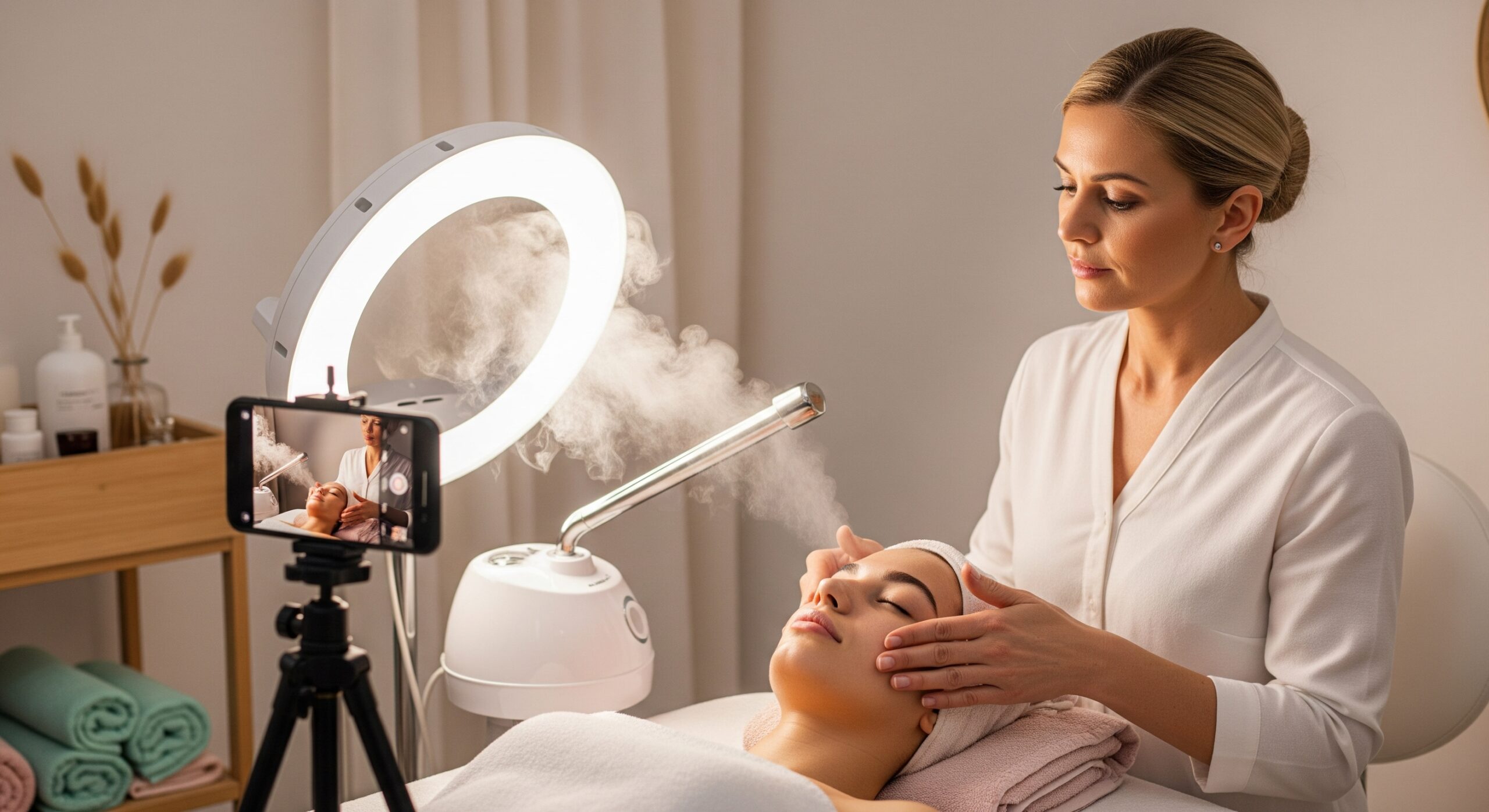
Getting your video equipment and setup just right is key to producing high-quality, professional videos for your TSG case study. This section will walk you through the essential tools and techniques to ensure your videos look and sound great.
1. Recommended Camera/Smartphone Settings for Video
You can use either your smartphone or a professional camera for your TSG videos. Regardless of your choice, optimizing your settings will make a big difference.
-
Resolution: Always record in the highest resolution your device offers (e.g., 1080p HD or 4K). This ensures your videos are crisp and clear, allowing judges to see all the important details.
-
Frame Rate: A frame rate of 24fps (frames per second) or 30fps is ideal for a smooth, natural look. Avoid lower frame rates, as they can make your video appear choppy.
-
Focus: Make sure your subject (your model, your hands demonstrating a technique, etc.) is always in sharp focus. If using a smartphone, simply tap on the screen to set the focus point. For cameras, use autofocus or manual focus if you’re comfortable.
-
White Balance: Set your white balance to match your lighting conditions (e.g., ‘daylight’ for natural light, ‘tungsten’ for indoor lighting). This ensures accurate colors and skin tones. Most smartphones handle this well automatically, but on a camera, you might need to adjust it manually.
2. Audio Recording Techniques
Clear audio is just as important as good video quality. Viewers are often more forgiving of less-than-perfect visuals than poor sound.
-
External Microphones: Your phone or camera’s built-in microphone can be okay, but an external microphone will drastically improve your audio quality.
-
Lavalier (lapel) microphones clip onto your or your model’s clothing and are great for capturing clear voices.
-
Shotgun microphones can be mounted on your camera and are good for picking up sound directly in front of them while reducing background noise.
-
-
Quiet Environments: Always record in a quiet space free from distractions.
-
Turn off air conditioners, fans, and any background music or let the mic capture a few seconds of novice that it can use for advanced/AI noise removal later..
-
Close windows and doors to minimize outside noise.
-
Inform others in your space that you are recording to prevent interruptions.
-
-
Microphone Placement: If using an external mic, ensure it’s positioned correctly – typically 6-12 inches from the speaker’s mouth for optimal clarity.
3. Lighting for Video
Just like with photos, consistent and flattering lighting is crucial for videos.
-
Consistent Lighting: Use the same lighting setup for all your weekly videos to maintain a cohesive look.
-
Natural Light: Position your setup near a large window to use soft, natural light. Avoid direct sunlight, which can create harsh shadows and blown-out highlights.
-
Artificial Light (Ring Lights, Softboxes): If natural light isn’t enough, use ring lights or softboxes.
-
Ring lights provide even, shadow-reducing light that’s great for faces.
-
Softboxes create a diffused, flattering light that mimics natural window light.
-
Experiment with positioning your lights to eliminate shadows and highlight your subject effectively.
-
4. Tripod and Stabilizers
Keeping your video stable and smooth is essential for a professional look.
-
Tripod: A tripod is a must-have. It keeps your camera or smartphone perfectly still, preventing shaky footage. This is especially important when you’re demonstrating treatments or need a consistent shot over time.
-
It ensures your framing and angles remain identical across different takes and videos.
-
-
Gimbals/Stabilizers (Optional): If you plan to incorporate any moving shots (e.g., panning across a treatment setup), a gimbal or other stabilizer can provide incredibly smooth, cinematic footage. While not strictly necessary, they can elevate your video quality significantly.
By paying attention to these equipment and setup details, you’ll lay a strong foundation for producing high-quality TSG videos that effectively showcase your skills and your model’s progress.